

If you’re looking for the best free video editing app for social media, I would choose TikTok.
I’m a professional video editor, but I don’t think every TikTok, Reel or YouTube Short needs Premiere Pro. For most short-form videos, you mainly need an app that is quick, easy and has enough tools to create good content without paying for features every five minutes.
So here’s how TikTok, Instagram Edits and CapCut compare.
My pick: Best overall free video editor
TikTok is my favourite because it is completely built around creating short-form content. You can record clips directly inside the app, trim and split them, change speed, add text, captions, overlays, effects, music, sound, filters and transitions.
For most creators, that is basically everything you need.
One of my favourite ways to create talking videos is simply recording one sentence, stopping, then recording the next sentence. TikTok puts everything together and I can quickly trim anything that needs fixing.
There is no importing footage into another app, editing, exporting and then uploading again. For quick social content, that saves a huge amount of time. And importantly, you can do a lot without constantly running into paid features.
My rating: 9.5/10
Instagram Edits
My pick: Best if you want more editing control
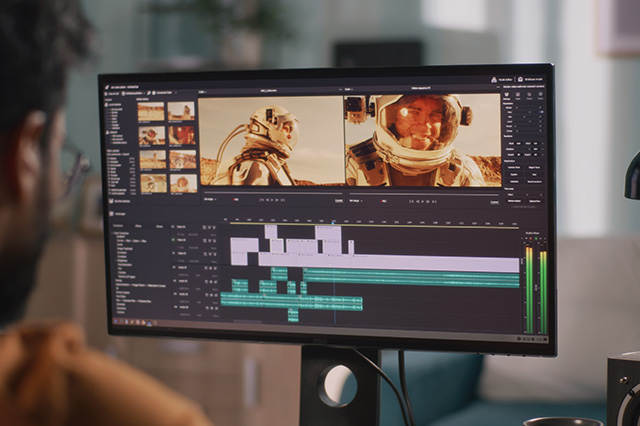
Edits is probably the strongest option if you want something that feels more like a traditional video editor. You get a proper timeline, captions, overlays, green screen, background cutout, effects and useful audio tools. I particularly like features such as auto-ducking, which can automatically lower your music while someone is speaking.
My only issue is that I wouldn’t constantly move projects between Instagram and Edits. I’ve found that workflow can become glitchy. I would create the entire video inside Edits, export it and then upload the finished file wherever I want.
My rating: 8/10
CapCut
My pick: Best for templates, effects and AI tools
CapCut is still a very good editor. It has loads of effects, templates, captions, AI tools and more advanced editing features. The problem is that more and more of those tools are connected to paid plans.
You can sometimes start editing with a feature or asset and later realise that you need CapCut Pro to use it the way you wanted. If you already pay for CapCut and use it regularly, it can absolutely be worth it. But if somebody specifically asks me for the best free video editing app, I wouldn’t choose CapCut anymore.
My rating as a free app: 7/10
TikTok vs Edits vs CapCut
| App | Best for | Free experience |
|---|---|---|
| TikTok | Fast short-form content | Excellent |
| Edits | More advanced mobile editing | Excellent |
| CapCut | Templates, effects and AI | Good, but more tools are paid |
So which one should you use? For most people creating TikToks, Reels or Shorts, I recommend TikTok. It’s free, incredibly quick and already has almost everything you need to create good short-form content.
If you need more control over your edit or want to create one clean video that you can export and post across several platforms, I would use Edits. CapCut still has the biggest collection of templates, effects and AI features, but I don’t think it is the best choice anymore if your priority is staying completely free.
And remember: better editing doesn’t automatically mean better content. A strong idea, good hook and clear story edited quickly inside TikTok can perform much better than something you spent three hours editing in a more complicated app.
You can now get immediate access to all my e-books, PDF guides, online courses and new resources added regularly with my YT membership.


Comments are closed