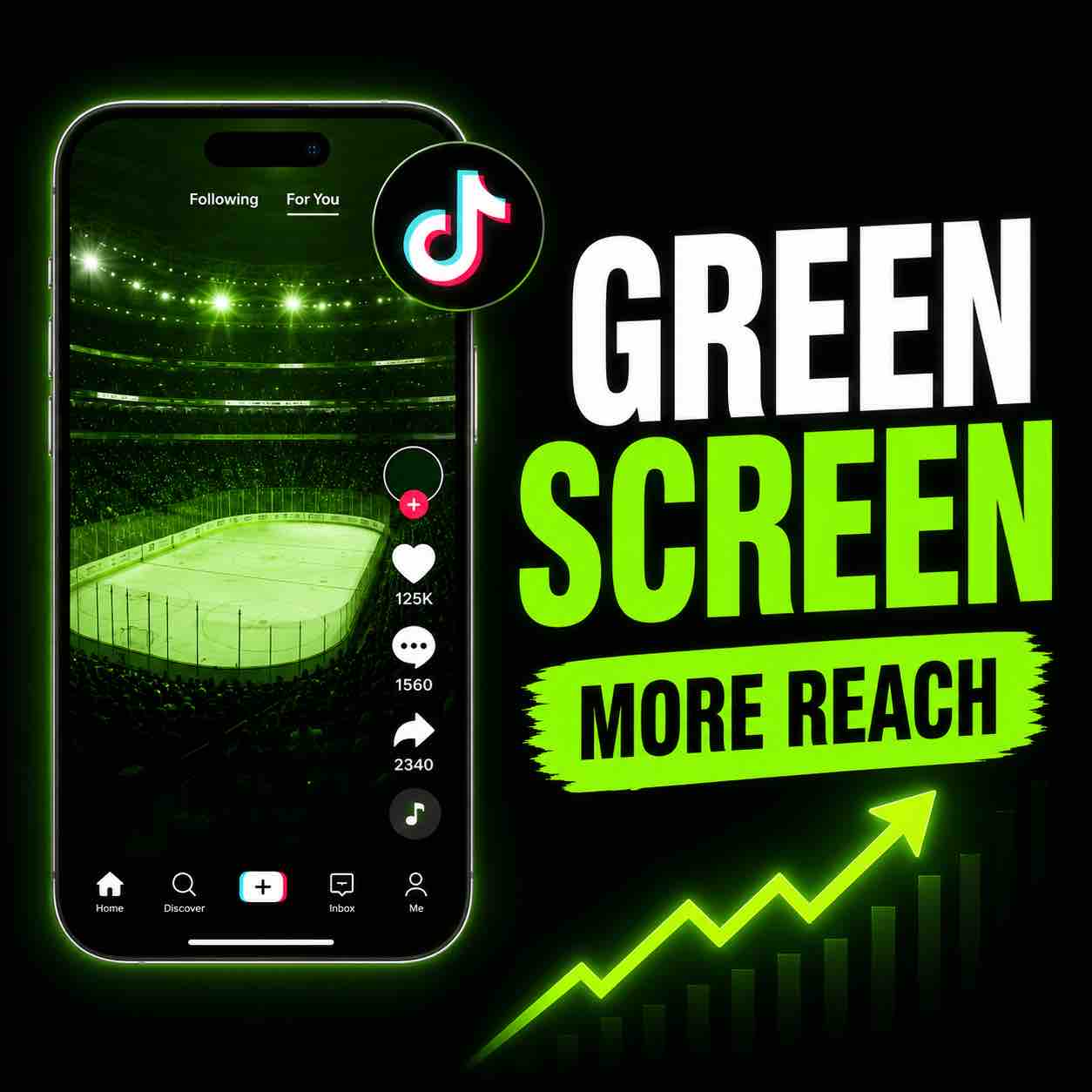
Green screen videos on TikTok are a great way to make your content more engaging. You can use a screenshot, image, article, video, product page, comment, or pretty much anything visual as your background. Then you talk over it, react to it, explain it, roast it, review it, or use it as context for your video.
That visual background instantly tells people what your video is about before they even hear you speak. And on TikTok, that matters.
People scroll fast. If they don’t understand what your video is about within the first second, they’re gone. Bye. Lost to the algorithm graveyard. But when you use a green screen background, you give them a reason to stop.
You can now get immediate access to all my e-books, PDF guides, online courses and new resources added regularly with my YT membership. Join here
Why Green Screen Videos on Tiktok Work So Well
Green screen videos work because they give your video a strong visual hook.
If you’re just talking to camera with nothing behind you, people have to work harder to understand the topic. And let’s be honest, most people on TikTok are not there to work hard. They’re there to scroll, judge, laugh, learn something, and occasionally question their entire life at 1am.
A green screen background makes your topic obvious. For example, if you’re talking about Taylor Swift’s new album because you’re a marketing manager, put the album cover or headline behind you.
If you’re a vocal coach commenting on someone’s performance, put the performance clip or screenshot behind you. Or you’re reviewing a product, put the product page behind you. While explaining a trending topic, put the article, post, or comment behind you.
The viewer immediately understands the context and thinks, “Okay, I get what this is about.” That tiny moment can be the difference between someone scrolling past or actually watching.
How to Make a Green Screen Video on TikTok
Open TikTok and tap the plus button to create a new video. Then go to Effects and search for the green screen effect. You’ll usually see different green screen options. Some allow you to use a photo as the background, while others let you use a video.
I personally prefer using photos or screenshots because they are easier to control. You can use videos too, but screenshots are usually quicker, cleaner, and less chaotic.
Choose the background you want to use, position yourself properly, and start recording. That’s it. No complicated setup. No fancy editing. No need to act like you’re running a BBC studio from your bedroom.
What Should You Use as a Green Screen Background?
The best green screen background depends on the type of content you make.
Here are a few ideas:
- Screenshots of articles
Great for commentary, news, opinions, education, or reactions. - Social media posts
Perfect if you’re responding to a trend, comment, Instagram post, or TikTok discussion. - Website pages
Useful for tutorials, reviews, audits, business tips, and educational content.
The key is to choose a background that instantly supports the point of your video. Don’t use a random image just because it looks nice. It should help people understand why they should care.
One Mistake People Make With Green Screen Videos
One common mistake is putting the most important part of the screenshot exactly where your head is going to be. Very glamorous. Very annoying. Before you record, check your positioning. Make sure your face doesn’t cover the important headline, image, product, or text.
You can also move during the video if you want to reveal something behind you. This can actually be a great strategy. For example, you might cover part of the headline at the start to create curiosity, then move aside later to reveal the key information. That gives people a reason to keep watching.
Use the Background to Create Curiosity
If your background gives away the entire point immediately, people might not feel the need to watch. But if you hide part of it, cover the key detail, or frame the video around a question, people are more likely to stay.
For example:
- “Everyone is missing the real problem here.”
- “This looks normal until you notice one thing.”
- “This is why this video went viral.”
- “I don’t think people understand how smart this actually is.”
That kind of hook works especially well when paired with a visual background that already creates context.
Can You Use TikTok Green Screen Videos on Instagram?
Yes. You can create your green screen video on TikTok and then post it on Instagram Reels too. Ideally, you should adjust your content slightly for each platform because TikTok and Instagram don’t always behave the same way. But honestly? If the video works, use it.
A good green screen video can work on both TikTok and Instagram because the format is simple, clear, and easy to understand. You don’t have to recreate the entire video from scratch. Create it once, then repurpose it. That saves time and helps you get more out of every idea.
What Types of Creators Should Use Green Screen Videos?
Green screen videos can work for almost any niche.
They are especially useful for:
- Coaches
You can explain, teach, react, or comment on industry topics. - Content creators
You can use them for commentary, storytelling, tutorials, reactions, and trends. - Small business owners
You can explain your services, review common mistakes, or break down examples. - Educators
You can use screenshots, diagrams, news, or examples to teach faster. - Reviewers
You can show products, websites, apps, videos, or posts while you talk about them. - Commentary creators
This format is basically your best friend. Use it wisely. Or chaotically. Depends on your brand.
Why Green Screen Videos Can Help You Get More Views
TikTok rewards videos that keep people watching. Green screen videos help because they make your content easier to understand quickly.
When someone sees a visual topic behind you, they don’t have to guess what the video is about. That reduces confusion and gives them a reason to stay. The format also feels native to TikTok. People are used to seeing creators react, explain, and comment using screenshots or videos behind them.
That makes the content feel natural instead of overproduced. You don’t need a perfect studio. You don’t need expensive equipment. You just need a strong topic, a good visual, and a hook that makes people care.
Quick Tips for Better Green Screen Videos
- Choose a background that clearly shows the topic.
- Make sure your head doesn’t cover the important information.
- Use a strong first sentence.
- Add text to the first frame so people instantly know the angle.
- Keep the video focused on one clear point.
- Use curiosity, but don’t confuse people.
- Repurpose the video on Instagram Reels.
- Don’t overthink it so much that you never post it. Classic creator behaviour, honestly.
Need Help Figuring Out Why Your Videos Aren’t Working?
If your videos feel like they should be doing better but you can’t figure out what’s wrong, I can help. With my Content Review Audit, I’ll look at your videos or social media content and tell you exactly what’s working, what’s not working, and what you can improve.
Comments are closed