
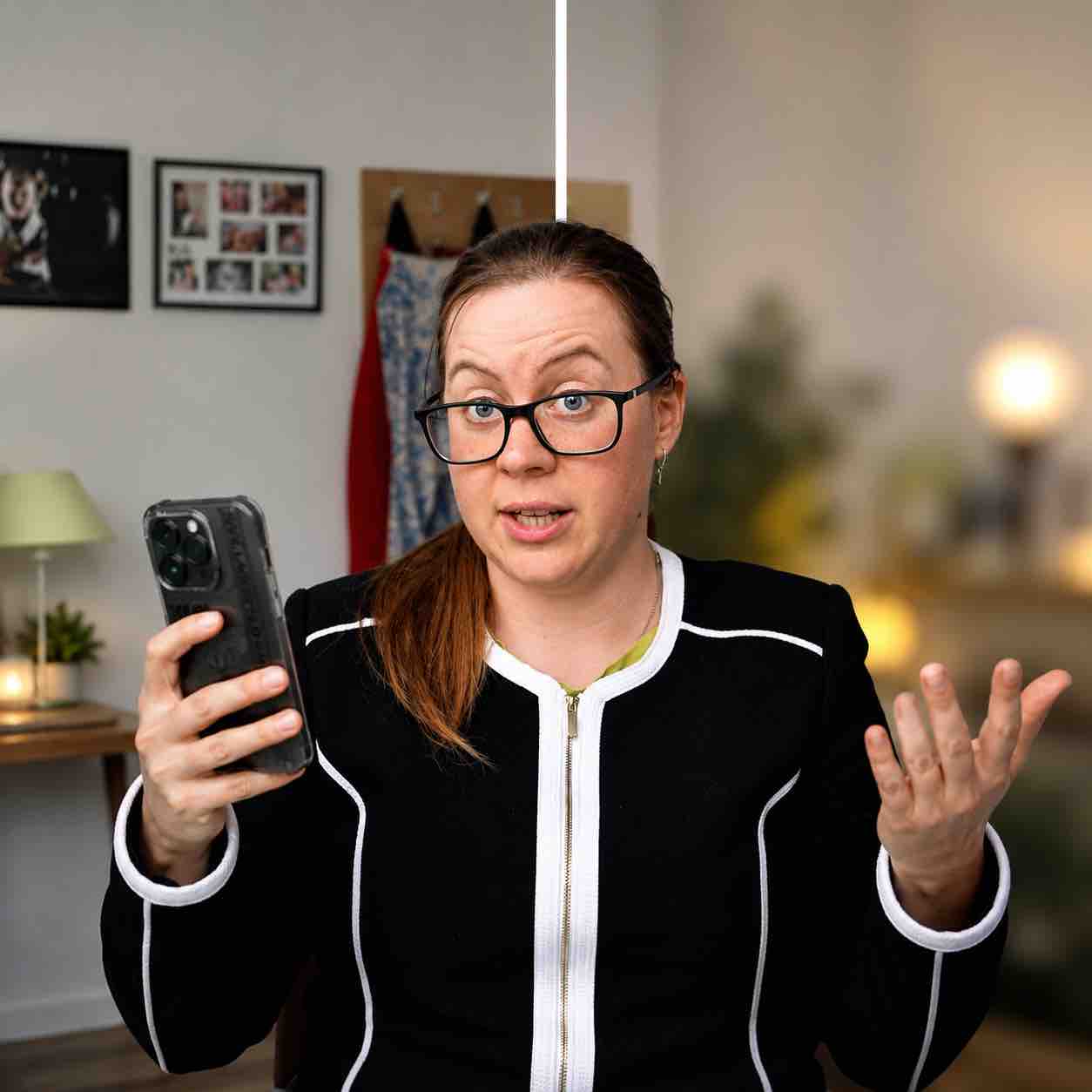
If you want your phone videos to look more professional, one of the easiest tricks is to blur the background.
You have probably seen this look in YouTube videos, TikToks, interviews, talking-head videos, product videos, and Instagram Reels. The person in the video looks sharp, but the background behind them is soft and blurry. It makes the video feel cleaner, more expensive, and a lot less distracting.
The good news is that you do not always need a professional camera or a fancy lens to get that look. You can blur the background when filming videos on your phone, but the result depends on your phone, your settings, your lighting, and how you position yourself.
In this blog, I’ll explain how to blur the background on your phone when filming videos and what settings to use.
What Does Background Blur Actually Mean?
Background blur is when the subject of the video stays in focus, while everything behind them becomes softer and less detailed.
In photography and video, this is often called shallow depth of field. It is the reason professional camera footage often looks more cinematic. The subject stands out, and the viewer is not distracted by random furniture, messy shelves, people walking behind you, or whatever chaos is happening in the background.
On a proper camera, this effect usually comes from the lens, aperture, focal length, and distance between the subject and the background.
Can You Blur the Background on a Phone Video?
Yes, you can blur the background on a phone video. It can happen anytime because the blur is digital. It is a software blur, where your phone uses features like Cinematic mode, Portrait video, or background blur effects to fake that depth.
Some phones have built-in video modes that create a blurred background while you film. On iPhone, this is usually called Cinematic mode. Some Android phones have similar features, depending on the brand and model and it’s called Portrait video.
These modes try to keep you sharp and blur the foreground or background around you. They can look really nice, especially when the lighting is good and the background is not too complicated.
But phone blur is not magic.
If your background is too close to you, if the lighting is bad, or if you move too much, the blur can start looking fake. You might see weird edges around your hair, glasses, hands, or shoulders.
Use Good Lighting
Blur will not save bad lighting.
If your video is dark, noisy, or badly lit, background blur can actually make it worse. The phone has to work harder to separate you from the background, and that is when you start getting those weird fake-looking edges.
Face a window, use a soft light, or film in a well-lit space. Make sure your face is brighter than the background. This helps the phone understand what the main subject is.
Good lighting also makes your video look sharper, cleaner, and more professional, even before you add any blur.
Why Background Blur Makes Videos Look Better
Background blur helps direct attention.
When someone watches your video, their eyes should go to you or whatever subject you are filming. If the background is too sharp, too messy, or too distracting, people may focus on everything except the point of the video.
Blur creates separation. It makes the shot feel more intentional. It can make a normal phone video look much more polished. But it only works when the rest of the video is decent too.
A blurry background will not fix bad audio. It will not fix boring content. It will not fix bad lighting. It is one tool, not the whole video.
Work with me
If you need more help with making professional videos, work with me and click here.
Comments are closed