I’m going to walk you through the process of creating your own stickers on TikTok. Whether you want to make stickers from your own videos or someone else’s, this is a fun way to add a personal touch and share memorable moments.
If you’re serious about growing your presence on TikTok and using it as a powerful branding tool, I invite you to become a member on my Youtube channel where you get access to all my e-books, online courses and tutorials for the price of a coffee.
Step 1: Go to Your TikTok Profile
1. Create a TikTok account using this link and head to your profile.
2. Choose a Video: Pick a video from which you want to create a sticker. For this tutorial, I’ll be using my ModSun video.
Step 2: Access the Sticker Creation Option
1. Click the Three Dots: Once you’re on the video, tap on the three-dot menu icon to access additional options.
2. Swipe through the menu and find the “Create Sticker” option. Tap on it.
Step 3: Customize Your Sticker
1. Video Loads: TikTok will load the video for you. You can now choose which part of the video you want to make into a sticker.
2. Crop the Sticker: Use the crop tool to adjust the sticker dimensions. I like using a 4:3 aspect ratio for my stickers.
3. Add Text (Optional): You can also add text if you want your sticker to include a message.
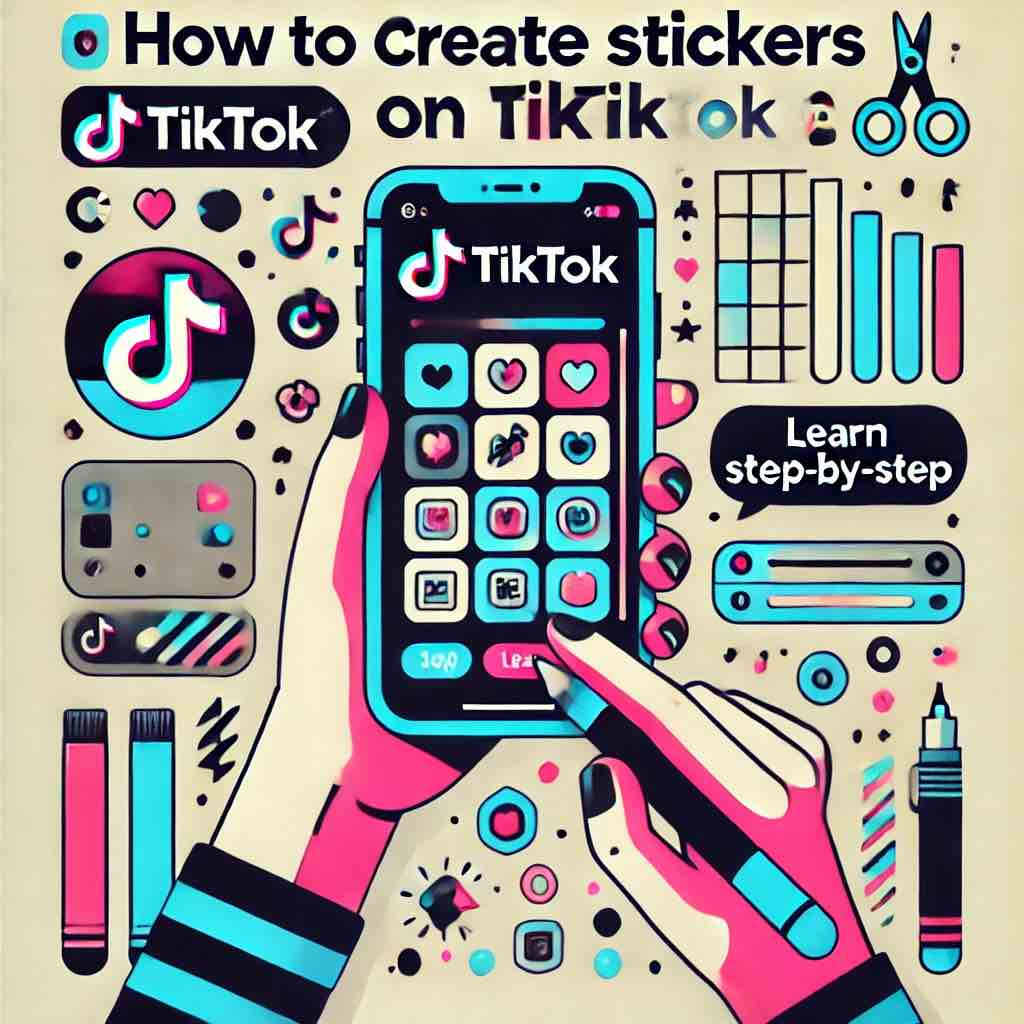
Step 4: Save and Publish Your Sticker
1. Save: Once you’re happy with your sticker, click “Create sticker.”
Step 5: Find and Send Your Sticker
1. Go to any video you want to comment your new sticker on.
2. Add comment and click on the sticker icon.
3. Click on a star icon and scroll down to see all your created stickers. Tap on the one you want to comment.
Step 6: Access Stickers in Chats
1. Go to the Emoji Icon: When in a chat, tap the emoji icon.
2. Favorites Section: Your stickers will appear here under the favorites section for easy access in future chats.
3. Sticker Store: To see all your stickers, tap on the sticker store option. Now you can use and share all your creations!




Comments are closed