
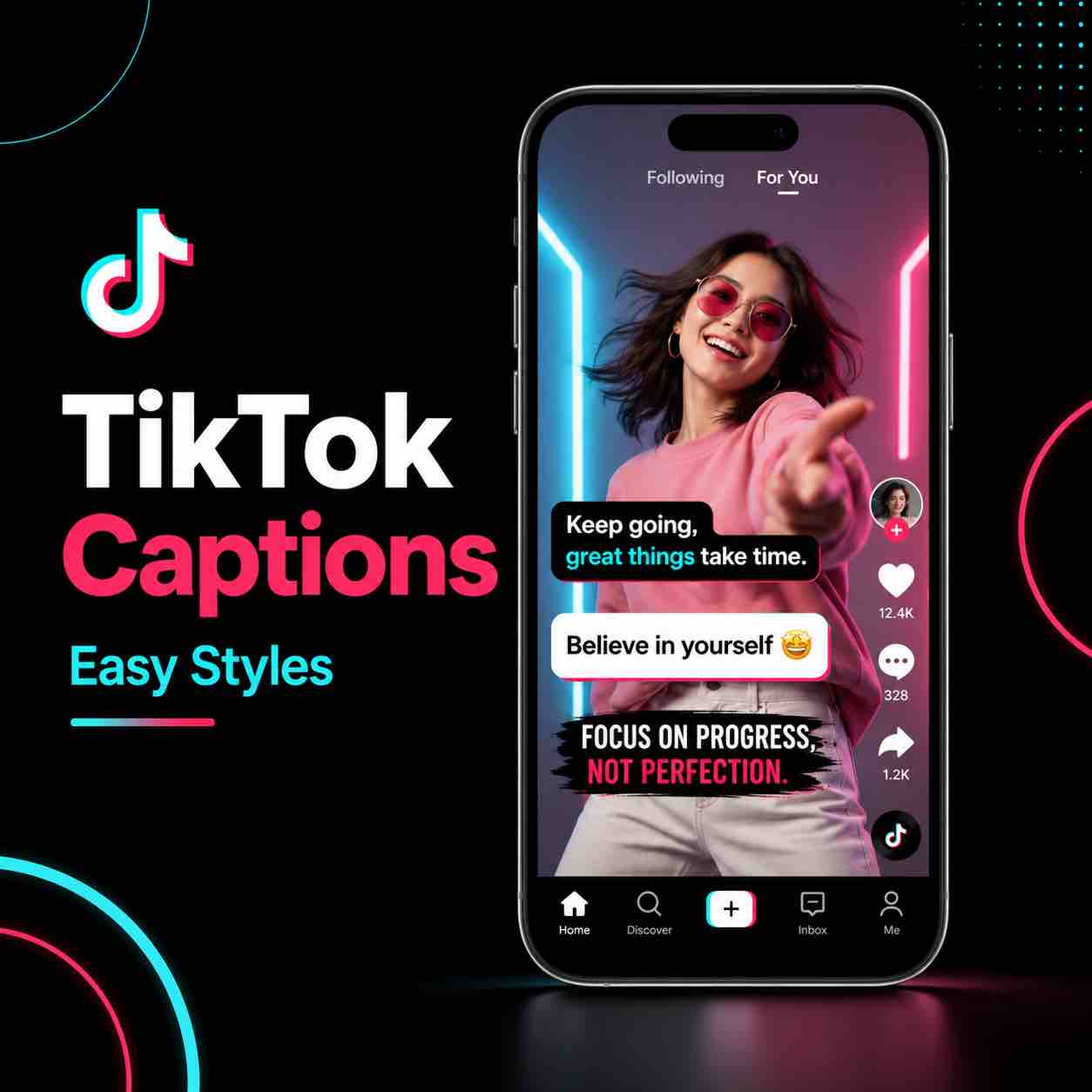
You know those TikTok captions that look ridiculously good? The ones with bold text, fun styles, emojis, and that polished creator look?
A lot of people assume those captions are made manually in Premiere Pro, CapCut, Final Cut Pro, or some other editing software. And yes, you could make them manually if you enjoy pain and have unlimited patience.
But TikTok can actually generate them inside the app. Even better, it lets you change the caption style after the captions are generated, so you can quickly test different looks and choose the one that fits your video or brand best.
This is one of the easiest ways to make your TikTok videos look more polished without spending ages editing every single word by hand.
Why Captions Matter on TikTok
Captions are not just there for decoration. They make your videos easier to watch, especially because so many people scroll TikTok with the sound off or in public places where they can’t hear the audio properly.
Good captions can help people understand your video faster, stay longer, and follow what you’re saying without needing perfect audio. They also make your content feel more professional. A video with clean captions instantly looks more intentional than a video with tiny unreadable text slapped somewhere at the bottom like an afterthought.
For creators, captions are especially useful for:
- Talking head videos
- Tutorials
- Storytelling videos
- Product videos
- Educational content
- Business videos
- Funny clips
- Videos with background noise
- Videos where names or specific words matter
If your video depends on people understanding what you’re saying, captions are not optional. They are part of the actual viewing experience.
Can TikTok Generate Captions Automatically?
Yes, TikTok can generate captions automatically inside the app. After you edit your video, TikTok can listen to the audio and create captions for you. The captions are usually quite accurate, but they are not perfect.
Names, brand names, unusual words, and anything with a strong accent or background noise can still be wrong. That’s why you should always check the captions before posting. TikTok makes this process pretty simple. Once the captions are generated, you can edit mistakes, fix names, adjust the wording, and then choose a caption style.
How to Add Captions on TikTok
Once your video is edited and ready inside TikTok, look for the captions option on the editing screen. Tap the captions icon, then wait while TikTok generates the text from your audio. After the captions appear, go through them carefully.
Don’t panic if they look basic at first. The first version is just the generated text. You can change the style later. The most important thing at this stage is accuracy.
Check for:
- Misspelled names
- Wrong words
- Missing words
- Awkward punctuation
- Brand names
- Places
- Technical terms
- Anything TikTok misunderstood
Auto captions are helpful, but they are not psychic. Sadly.
Want to make your videos look more professional without wasting hours editing? Get your content reviewed by me today.
Edit the Mistakes Before Styling the Captions
Before choosing a style, fix the text. This matters because stylish captions are useless if they say the wrong thing. Names are usually the biggest problem. TikTok might misunderstand them, especially if they are not common English names or if you say them quickly.
The same applies to brand names, product names, and niche words.
For example, if you’re making a tutorial, TikTok might not understand a software name or a specific tool. If you’re making a travel video, it might destroy the pronunciation of a place name like it has a personal vendetta against geography.
Read through the captions from start to finish and correct anything that looks wrong. Once the wording is fixed, then you can focus on the style.
How to Change Caption Styles on TikTok
After checking the caption text, tap the style option at the bottom. TikTok will show you different caption styles you can preview directly on your video. This is where the captions start looking much better.
Some styles are clean and simple. Others are bolder, more colourful, or more playful. Some even include emojis, which can work really well depending on the type of video you’re making.
The best style depends on your content.
A business tutorial might need clean, readable captions. Funny video can handle something more playful. Personal vlog might look better with casual caption styling. Fast TikTok tip can benefit from bolder text that grabs attention quickly.
Don’t just choose the loudest style because it looks fun for three seconds. Pick something people can actually read.
Make Captions Easy to Read
Caption style matters, but readability matters more. If the captions are too small, people will ignore them. If they are too big, they can cover your face, product, screen recording, or important parts of the video. After choosing a style, resize the captions so they are comfortable to read.
The goal is simple: someone should understand the captions instantly while scrolling. They should not need to pause, squint, zoom in, or question their eyesight. Keep the text large enough, but not so large that it takes over the whole video.
Where to Place TikTok Captions
Caption placement is important because TikTok already has text and icons on the screen. If you place captions too low, they can clash with the video description, username, buttons, or other TikTok interface elements. A better placement is slightly above the lower app area, usually above where your username and description appear.
This keeps the captions visible without being hidden behind TikTok’s layout.
Try to avoid placing captions:
- Too close to the bottom
- Over your face/important objects/product details
- In the same area as TikTok buttons
- Where the video description will appear
A little bit of space makes the video look cleaner and easier to watch.
Should You Use TikTok Captions With Emojis?
Emojis can make captions more engaging, but they need to fit the video.
Some TikTok caption styles include emojis automatically, and that can look great for casual, fun, or energetic videos.
For example, emoji captions can work well for:
- Comedy clips
- Lifestyle videos
- Quick tips
- Reactions
- Creator-style videos
- Light educational content
For serious business videos, tutorials, or professional content, emoji captions might feel too much unless they match your brand. The main rule is simple: don’t let emojis distract from the message. They should support the video, not turn every sentence into a birthday card from a hyperactive aunt.
Best TikTok Caption Style for Your Brand
The best caption style is the one that matches your content and stays consistent. Consistency matters because people start recognising your content style.
Using a similar caption look across your videos can make your TikTok page feel more polished and intentional. That doesn’t mean every video needs to look identical. But your captions should feel like they belong to the same creator.
Common TikTok Caption Mistakes
A lot of creators add captions, but still make them hard to watch.
The most common mistakes are:
- Captions placed too low
- Text too small to read
- Too many words on screen
- Style that clashes with the video
- Wrong words left uncorrected
- Captions covering the speaker’s face
- Captions hidden behind TikTok’s interface
- Emojis used when they don’t fit the tone
The fix is usually simple.
Keep the captions readable, check the text properly, and place them where the viewer can actually see them.
How Long Does It Take to Add Captions on TikTok?
Adding captions on TikTok can be very quick. Once your video is edited, TikTok generates the captions automatically. After that, you only need to check the text, fix mistakes, choose a style, resize the captions, and place them properly.
The whole process can take just a few minutes, depending on the length of the video. That is much faster than manually creating every caption in editing software. For short TikTok videos, this is one of the quickest ways to improve the final result without adding a complicated editing step.
Are TikTok Auto Captions Accurate?
TikTok auto captions are usually pretty accurate, but they still need checking. The app can misunderstand names, accents, fast speech, background noise, brand names, and unusual words. For simple talking videos, the captions are often surprisingly good. For more specific or technical content, you’ll probably need to fix a few things.
Never post without checking them. One wrong word can change the meaning of your video, and not always in a fun way.
Final Thoughts
Adding captions to TikTok videos does not have to take forever. TikTok can generate captions automatically, let you fix mistakes, and give you different styles to choose from directly inside the app. The key is to keep them readable, place them properly, and choose a style that fits your video.
Good captions make your content easier to watch, more accessible, and more polished. They also help people follow your video even when they are scrolling without sound. So before posting your next TikTok, don’t skip the captions.
Generate them, fix the mistakes, pick a clean style, resize them properly, and keep them away from the bottom of the screen. It’s a small step, but it can make your videos look much better.




Comments are closed